Akshay Kaparthi ← Back to work
Kiosk UX · Public Safety — 2025

Safe Park.

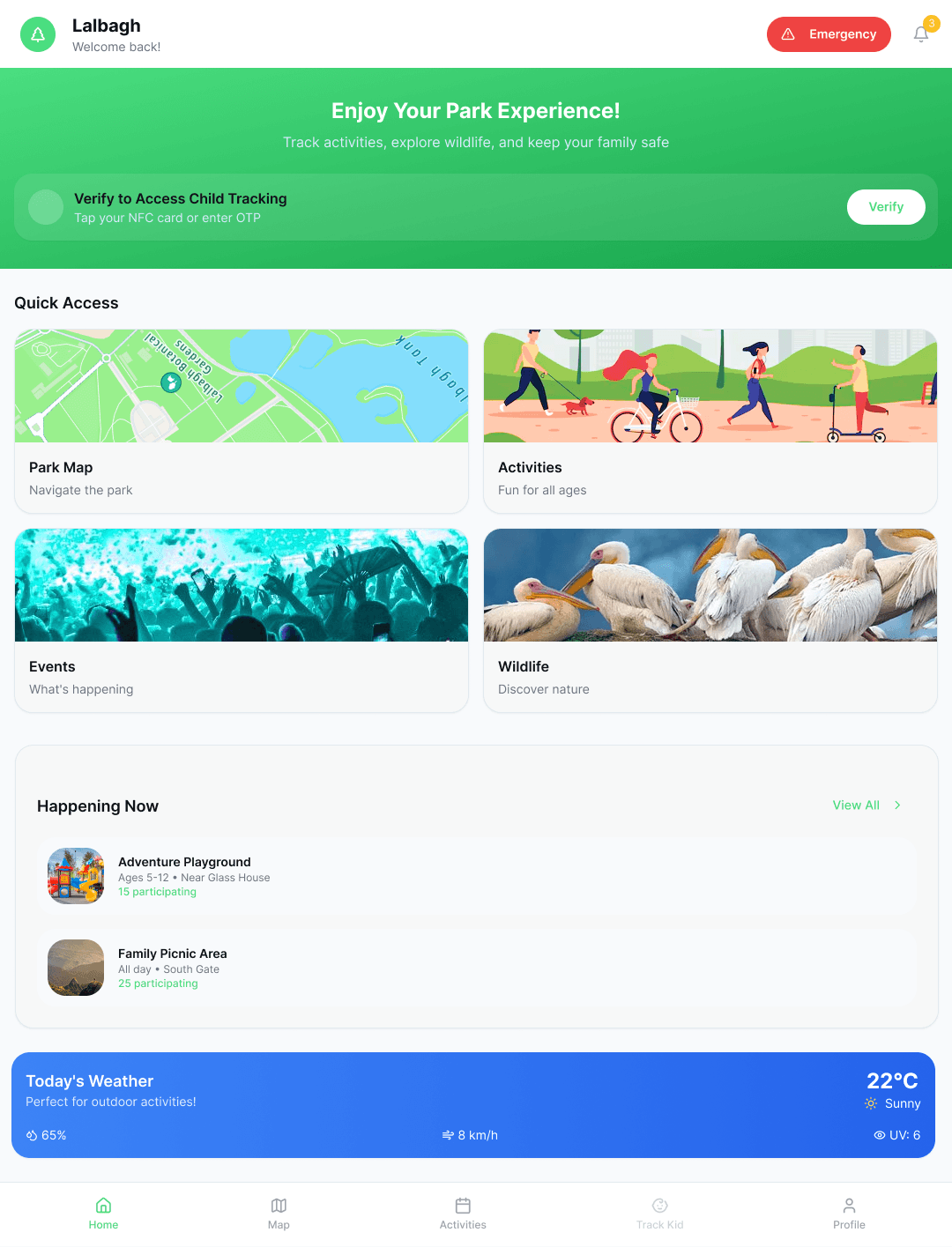
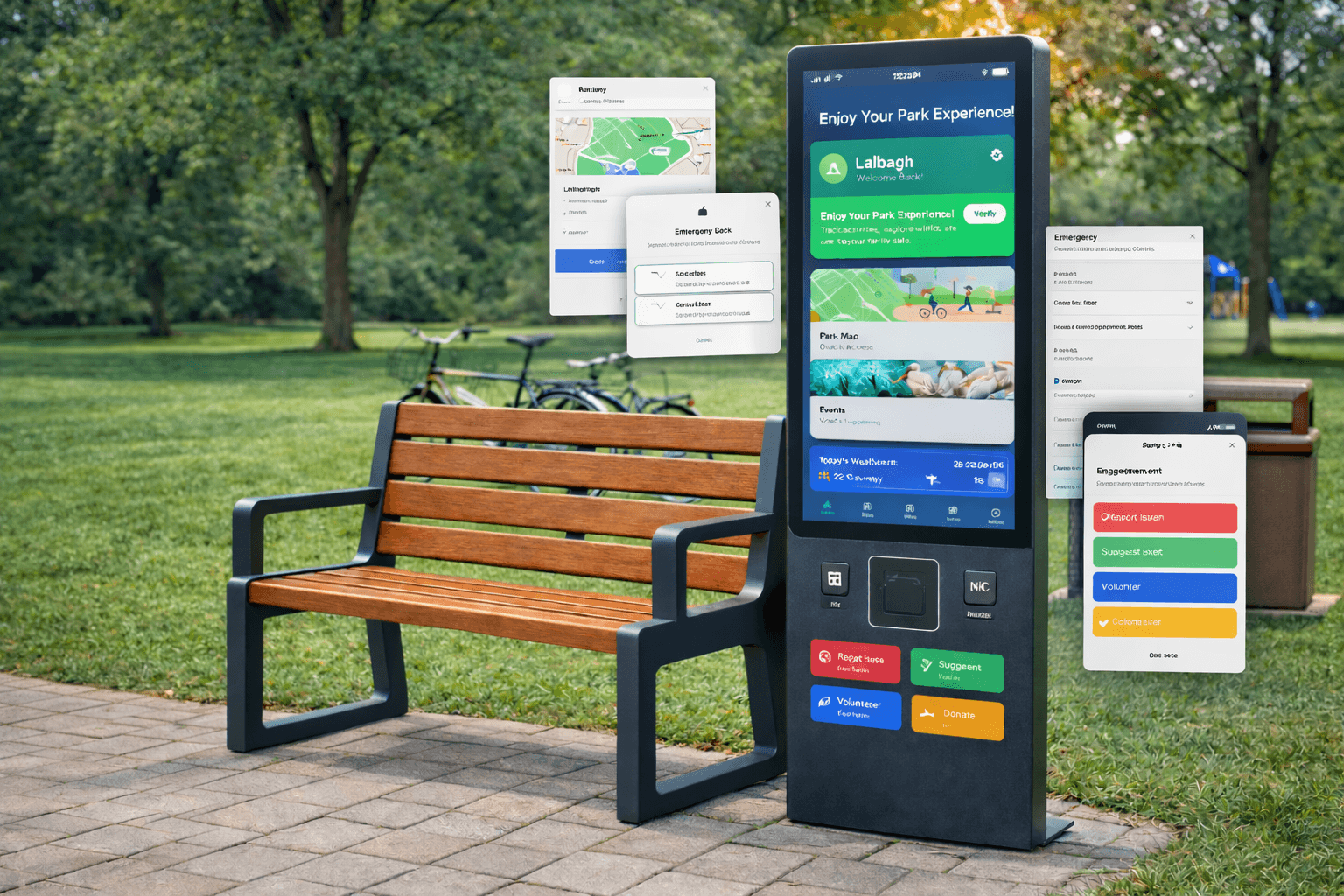
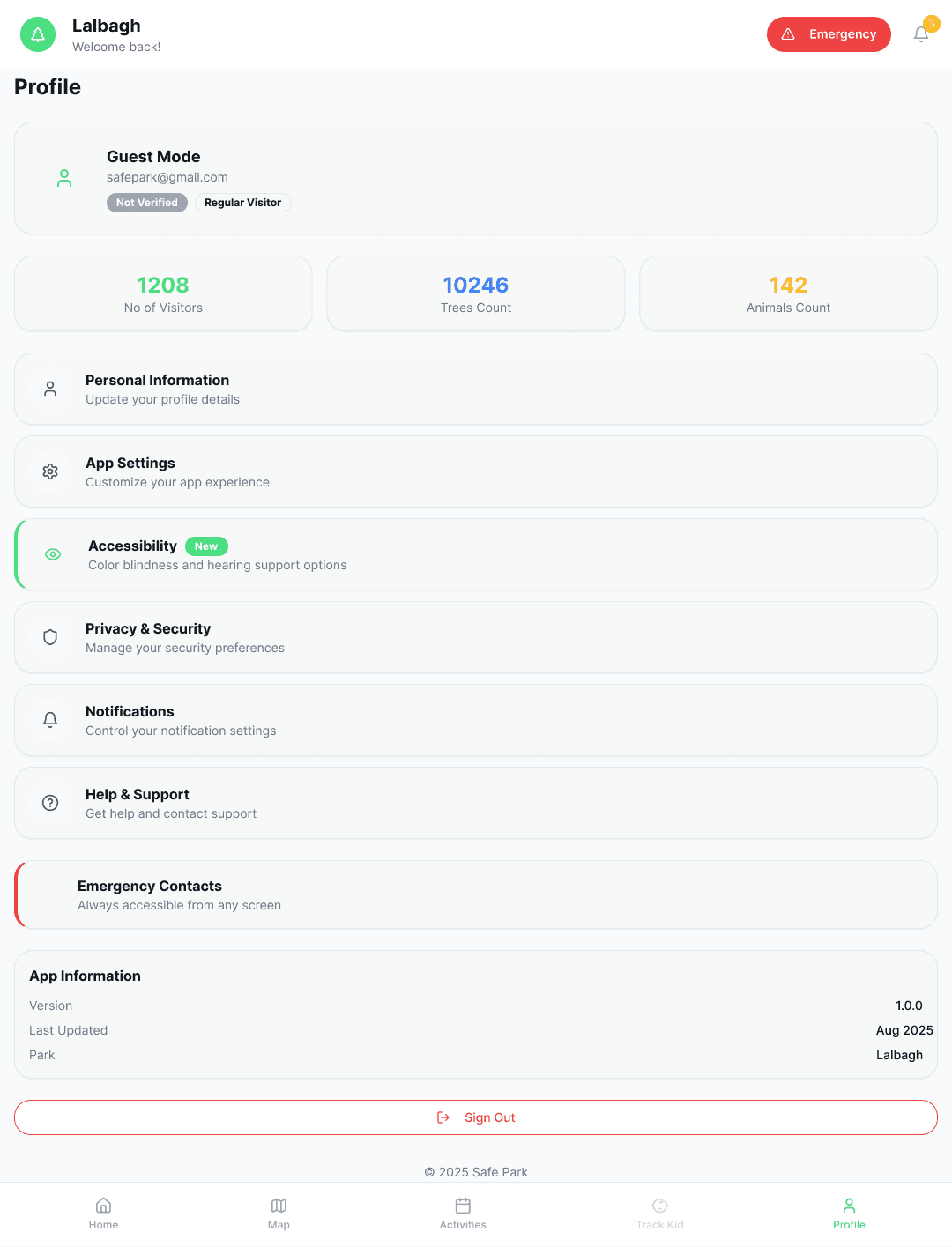
A smart touchscreen kiosk system designed to improve safety, navigation, and the visitor experience in public parks — built around interactive maps, emergency access, issue reporting, and a "Find My Kid" feature that helps parents track children within park premises.
RoleUI/UX design, interaction & kiosk flows
ContextPublic, walk-up touchscreen — no login, no manual
OutputEnd-to-end kiosk case study
Safe Park kiosk interface
Problem

Public parks are large, unfamiliar, and easy to get lost in — especially for a worried parent.

01

No shared map

Visitors navigate sprawling parks with no consistent, on-site reference for facilities, trails, or exits.

02

Slow issue reporting

A broken bench or a safety hazard has no fast, obvious channel to reach park staff.

03

Losing sight of a child

In a crowded park, a parent separated from their child has no quick way to raise the alarm or narrow a search.

Solution

One kiosk, four things a visitor actually needs.

01

Interactive map

A live, always-on map of the park — trails, facilities, and exits, at a glance, no app required.

02

Emergency access

One tap connects a visitor directly to park security or emergency services.

03

Issue reporting

Visitors flag hazards or maintenance issues on the spot, routed straight to staff.

04

Find My Kid

A guided flow that helps a parent describe, locate, and reunite with a child inside the park.

Safe Park screen — navigation Safe Park screen — Find My Kid
Interaction detail

"Find My Kid," walked through.

The hardest part of this flow is designing for a parent who is scared, not calm. The kiosk keeps the ask small — a description, a last-seen zone — and does the searching visually, so the parent isn't stuck typing under stress.

Simulated park radar

Press locate to simulate the kiosk narrowing a search zone from a last-seen point.

Awaiting last-seen point… Zone: Playground East
Confidence radius: —
Outcome

A kiosk that assumes nothing about who's standing in front of it.

Designed so a first-time visitor, a stressed parent, and park staff can each get what they need from the same screen, with zero instructions.